ProductDIY
AI Virtual Try-On

See your clothes on real models in 30 seconds

Upload a flat-lay garment photo, get a try-on shot with a real-looking model. No camera, no studio, no model fees. Photo-realistic results in under a minute.

  • Up to 4K resolution
  • Hijab-friendly
  • Outfit completion
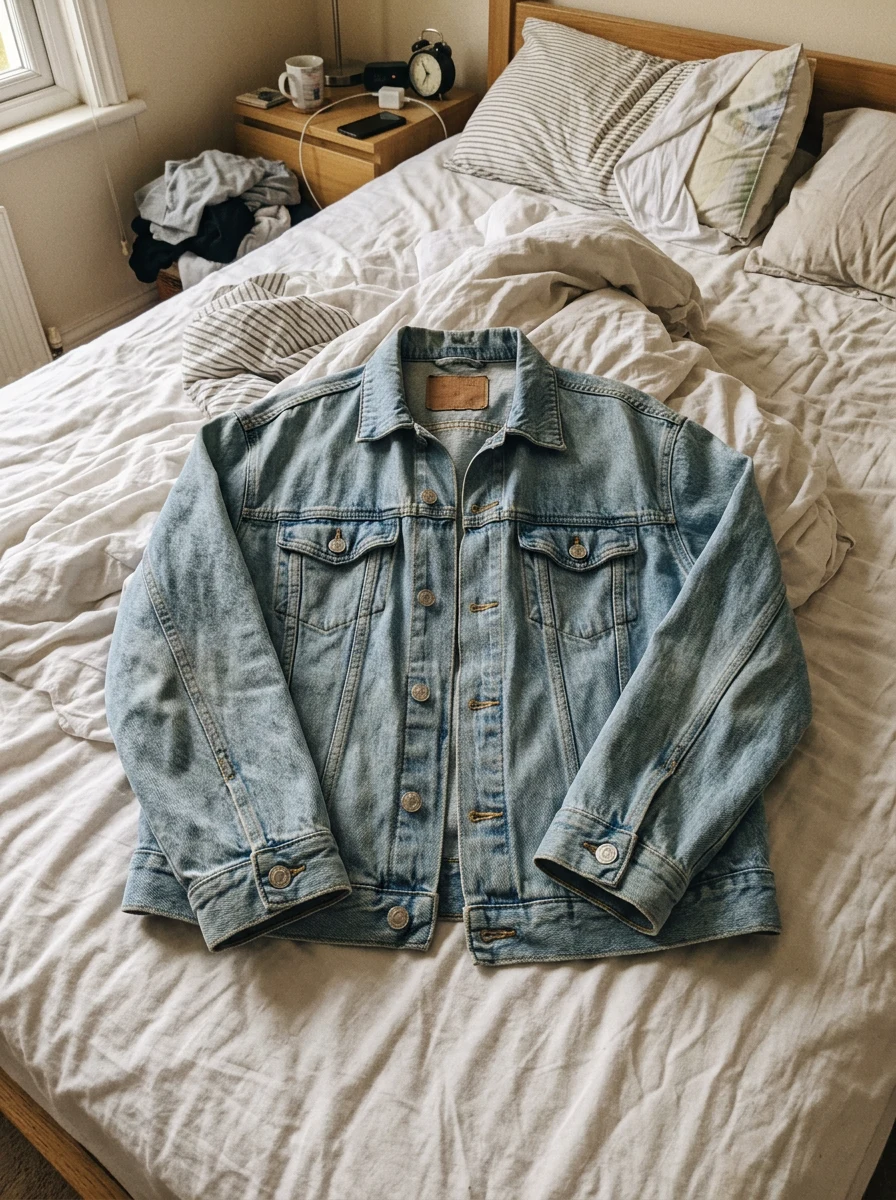
Garment
Garment
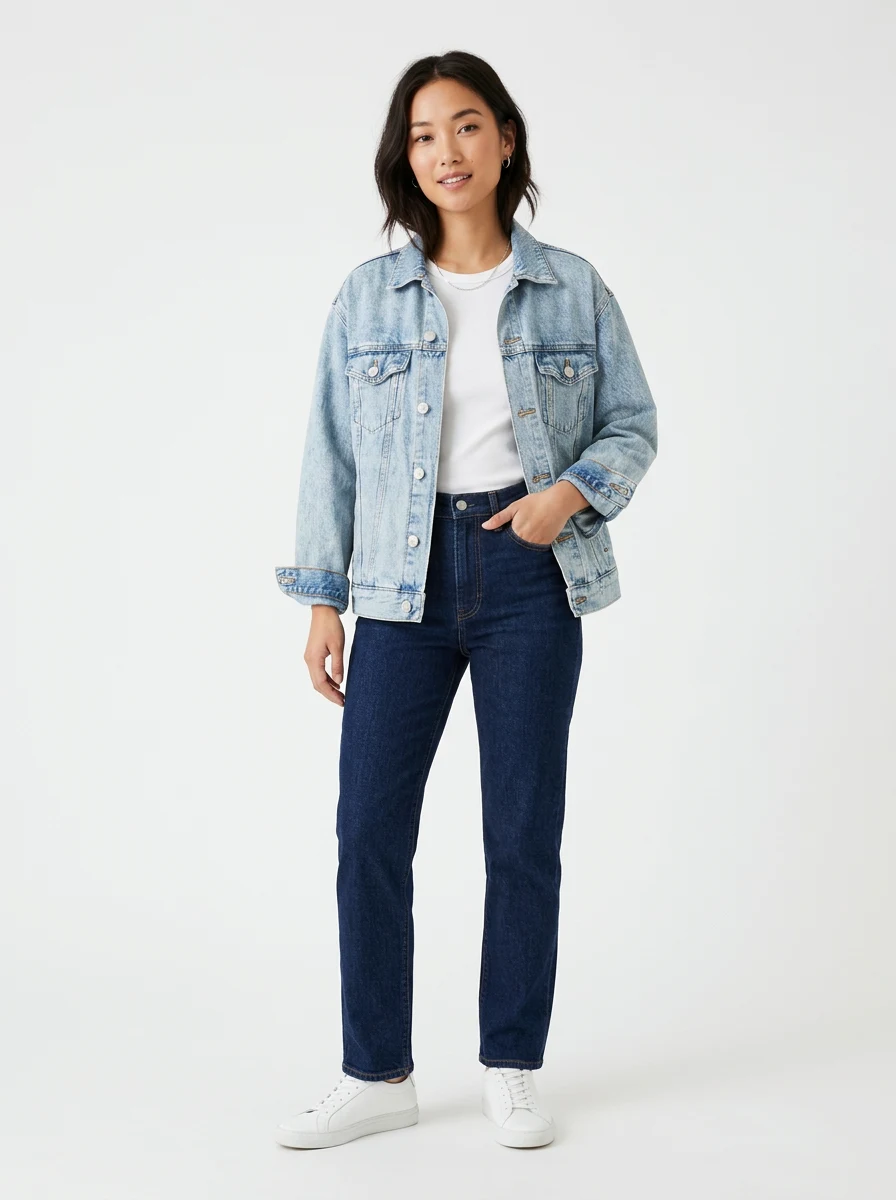
AI Try-On
AI Try-On

Why Product DIY Try-On

Built for Southeast Asian e-commerce sellers — fashion, abaya, athleisure, kids wear.

Photo-realistic in 30 seconds

Natural body pose, accurate colors, proper fabric drape. The AI keeps your garment exactly as designed and dresses it onto a real-looking model — no clay-like uncanny look, no warped logos, no shape distortion.

Outfit completion

Drop in a top, a bottom, and footwear — the AI dresses the model in the full look, not just one piece. Perfect for bundle listings and full-outfit campaigns.

Hijab support

Built specifically for Muslim sellers in Malaysia and Indonesia. Toggle hijab on for any female model — modesty styling preserved automatically.

Up to 4K resolution

Output sized for Instagram feed, Shopee hero banners, TikTok Shop listings, and even print catalogues. No upscaling artifacts.
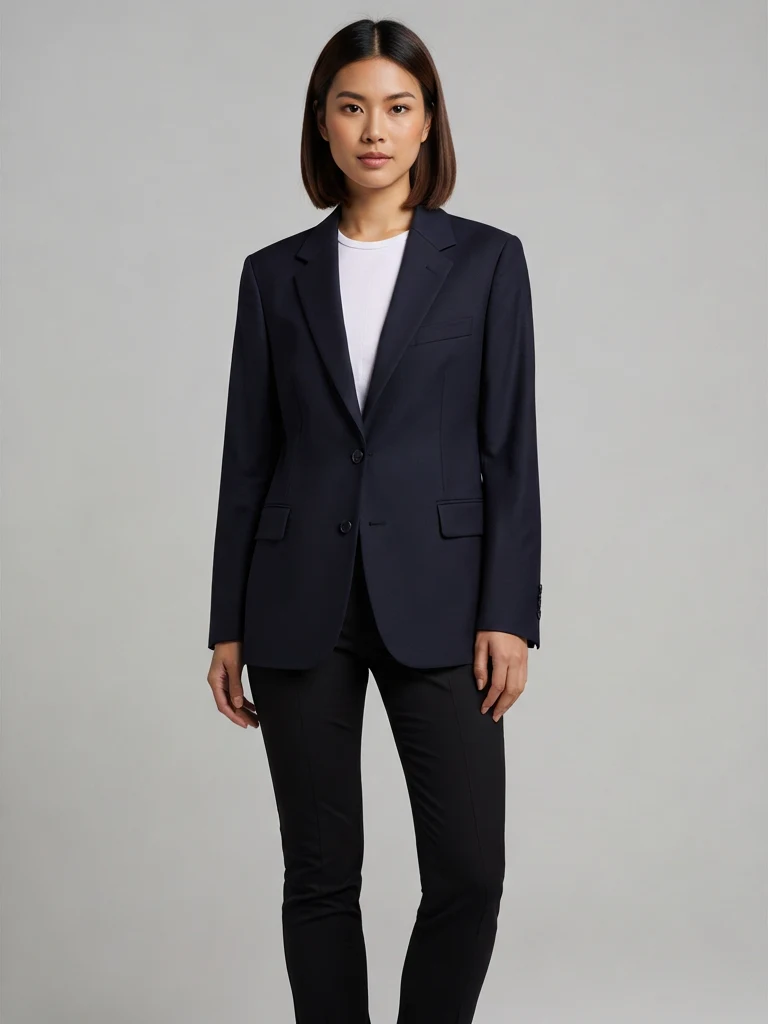
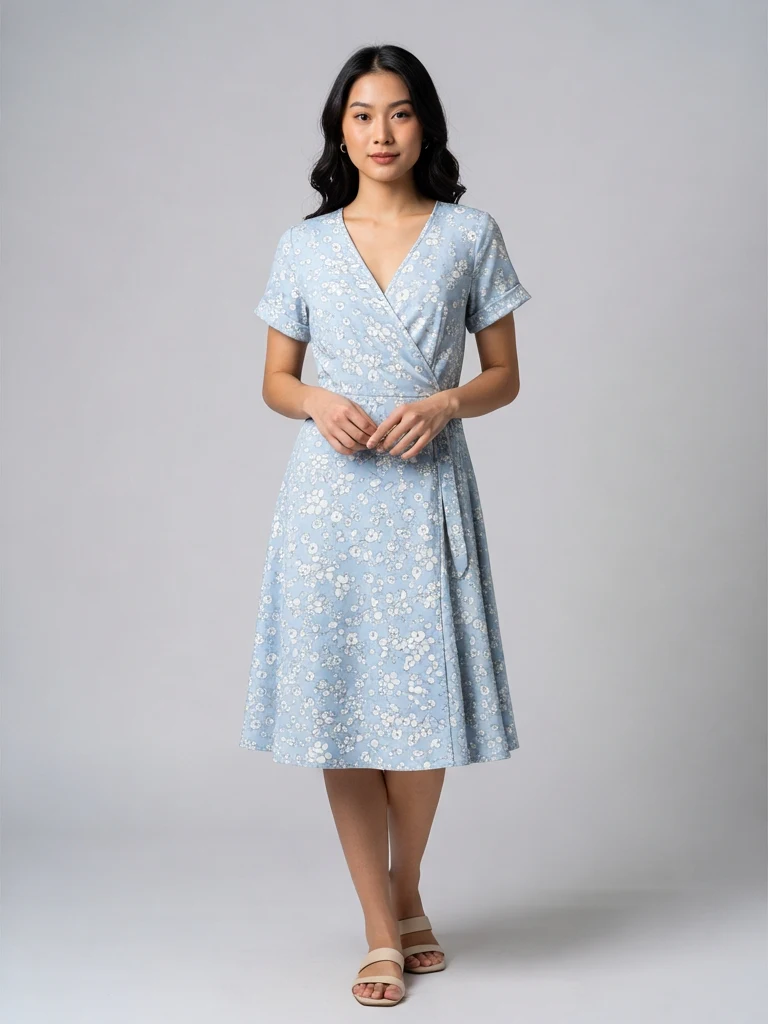
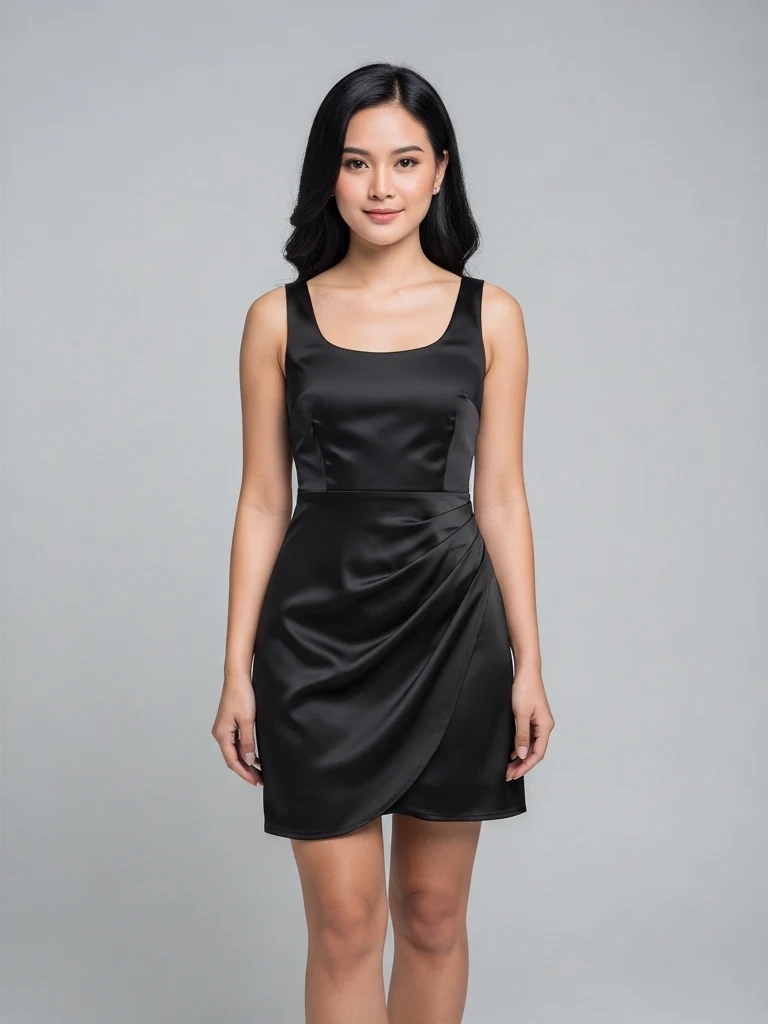
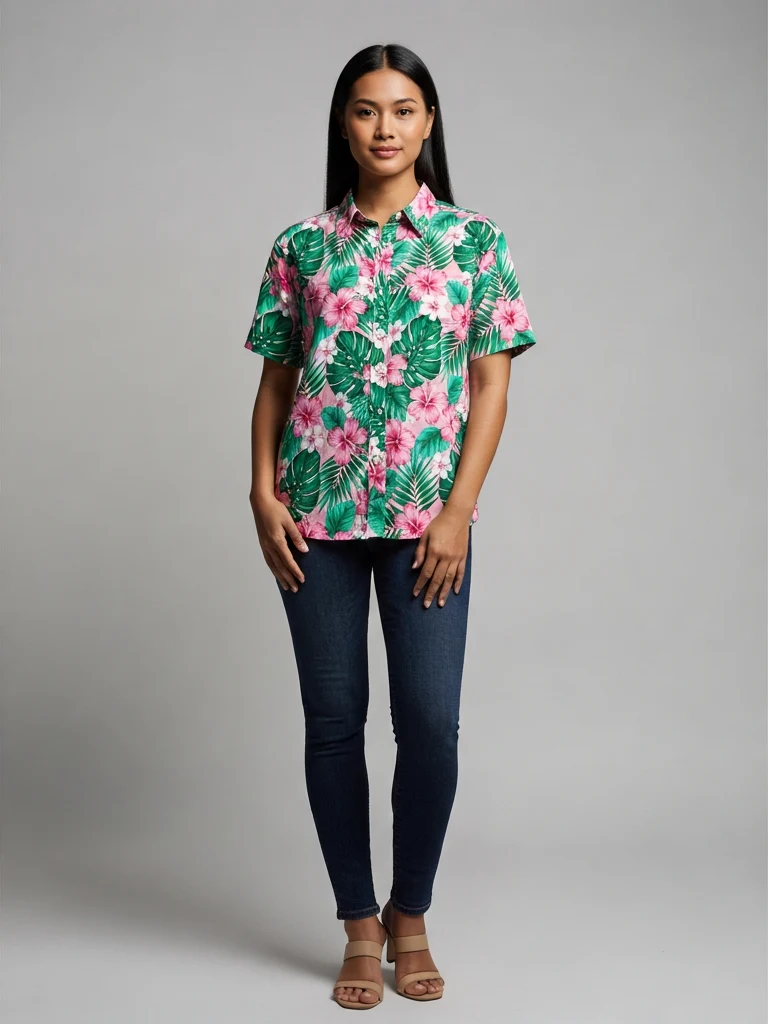
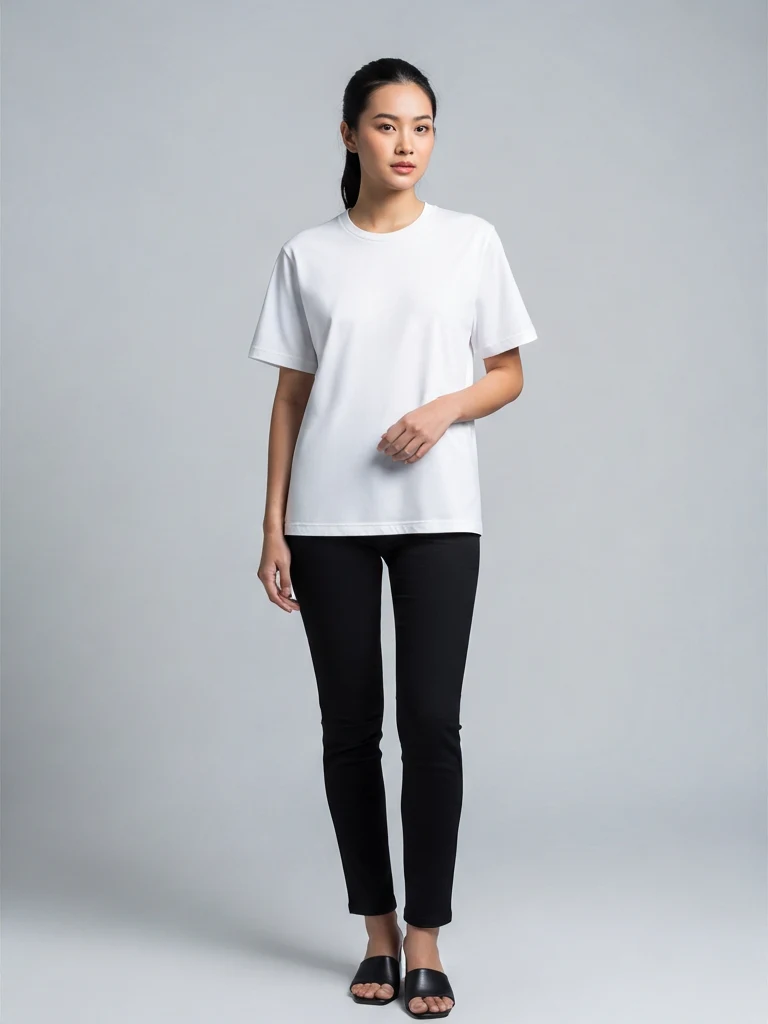
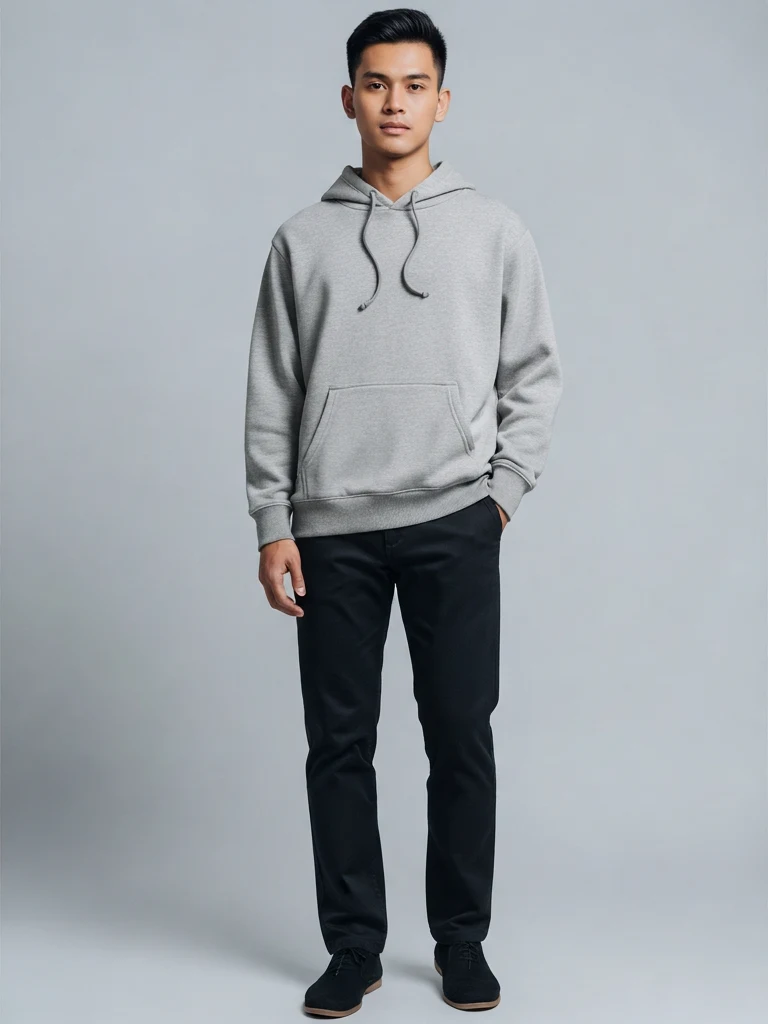
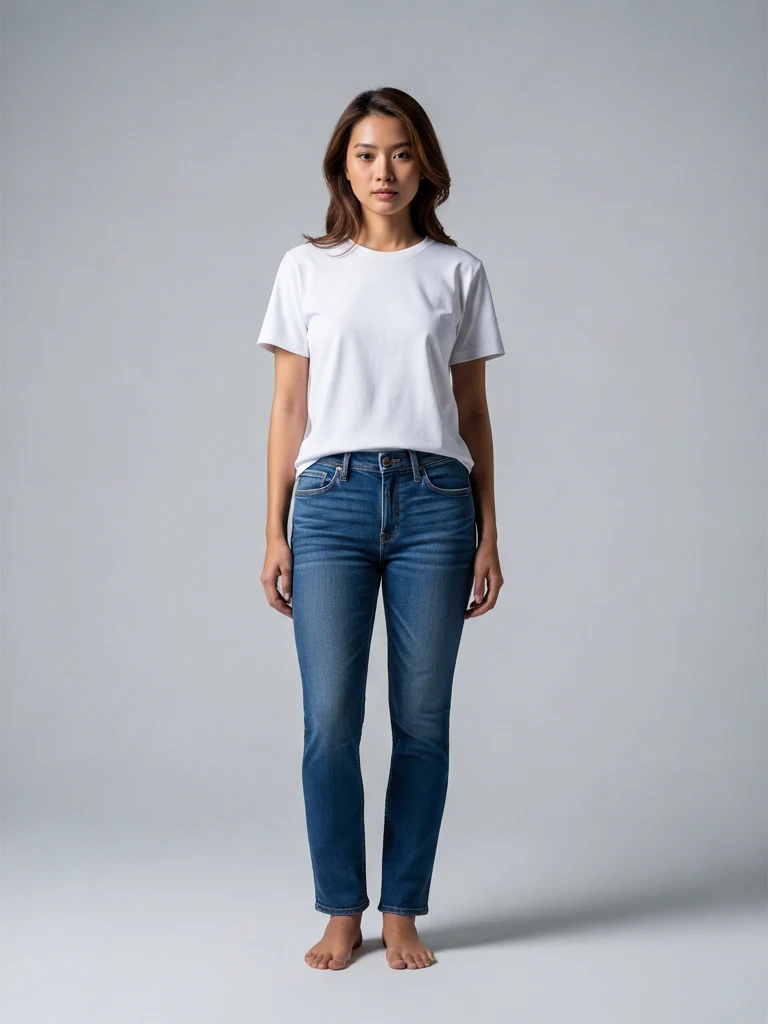
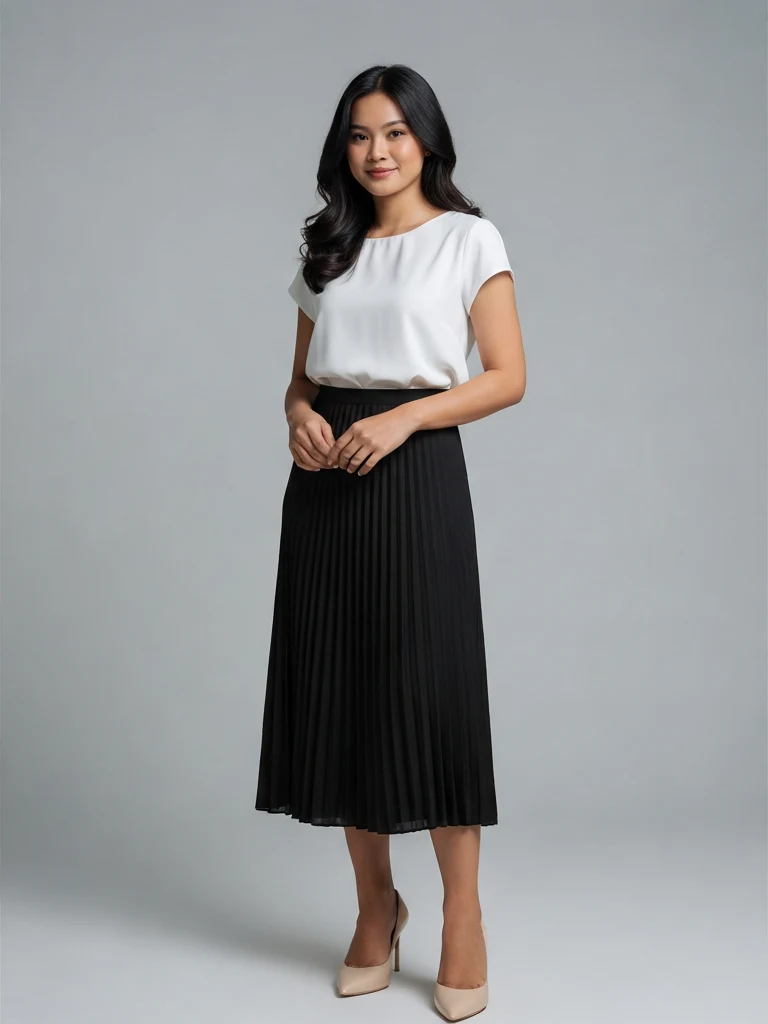
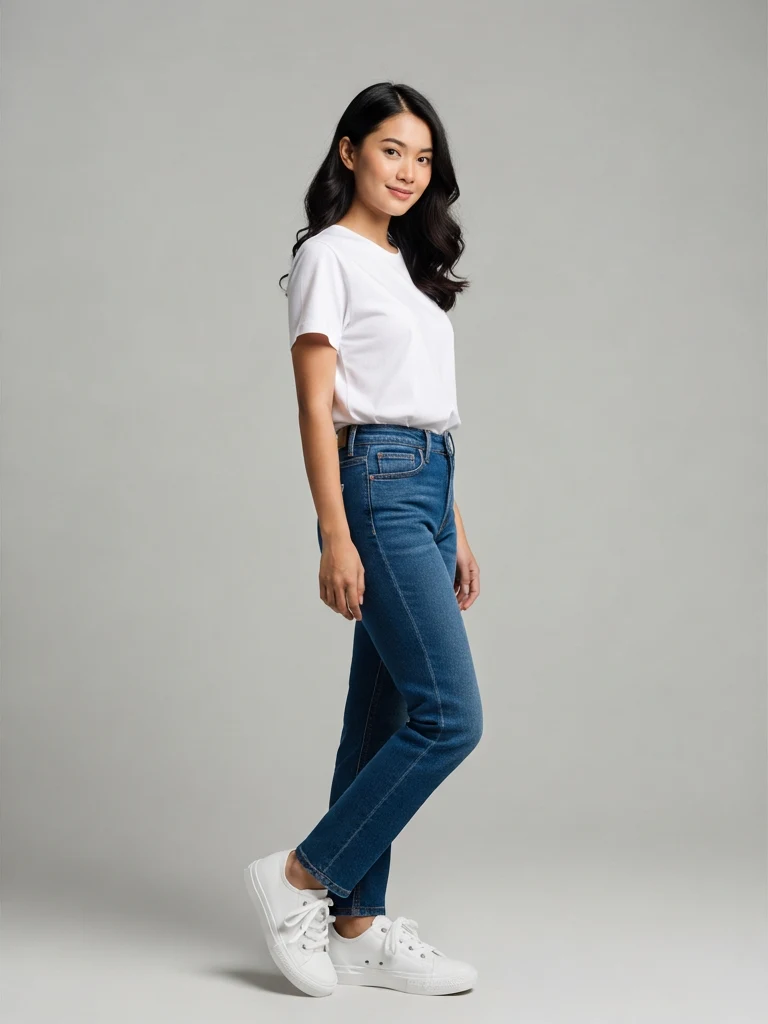
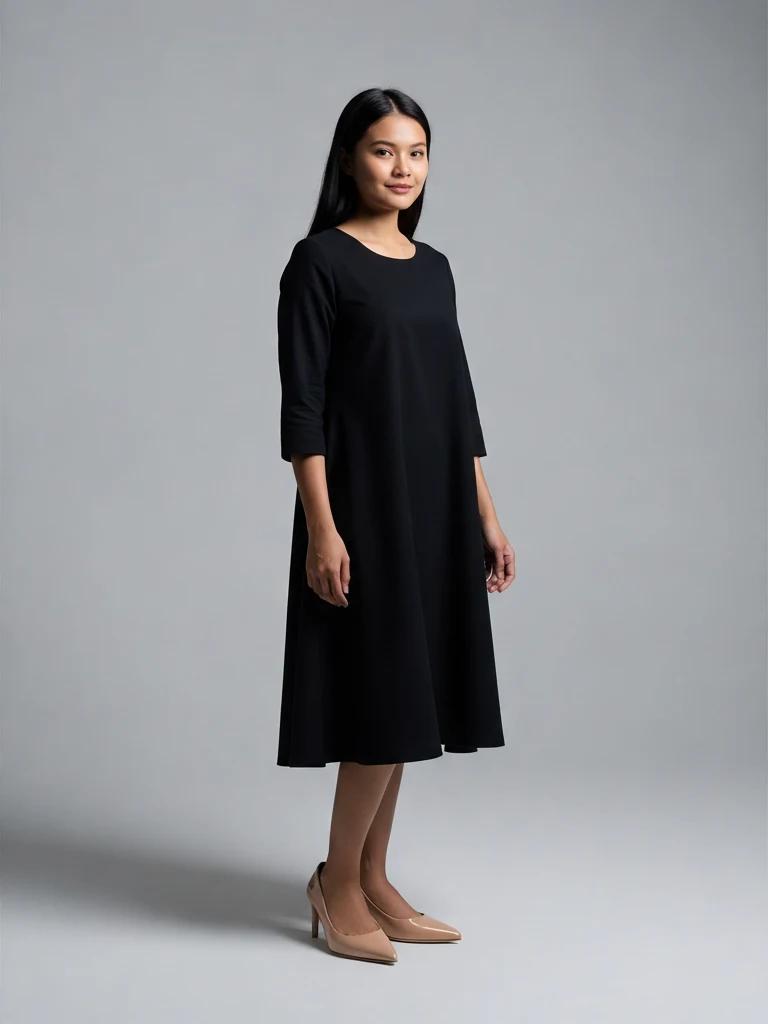
Real try-on results

Generated from flat-lay garment photos using preset models.

tryon-blazer
tryon-dress-floral
tryon-dress-black
tryon-shirt-floral
tryon-tshirt-white
tryon-hoodie
tryon-jeans
tryon-skirt
tryon-sneakers-white
tryon-heels

How it works

From garment photo to model shot in three steps.

  1. 1

    Upload your garment

    Flat-lay or hanging photo, JPG / PNG / WebP up to 10MB. Clear edges work best.

  2. 2

    Pick a model

    Choose from 20+ presets (men and women, multiple ethnicities and body types) — or upload your own model photo. Add pose and background presets if you want.

  3. 3

    Get your try-on shot

    30–60 seconds later, you have a model wearing your garment. Download it, or tweak the model / pose / background and try again.

Frequently asked questions

Do I need to upload my own model photo?
No. We provide 20+ preset models with different ethnicities, body types, and styles (men and women). You can also upload your own model photo if you want a specific look.
What types of clothing work best?
The AI handles tops, jackets, dresses, shirts, blouses, hoodies, pants, skirts, and footwear. Flat-lay or hanging photos with clear edges work best. Avoid heavily wrinkled or partially obscured items.
How realistic do the results look?
Real enough to use as actual product photos. The AI preserves the original fabric color, pattern, and shape, and renders natural body pose with proper shadows and drape. Most outputs are indistinguishable from a real photoshoot at typical e-commerce viewing sizes (Shopee thumbnails, Instagram feed, etc.). Print-resolution scrutiny is the only place tiny artifacts may appear.
How much does it cost?
Try-on costs 2 credits per generation at 1K resolution. Higher resolutions add 1 credit (2K) or 2 credits (4K). New users get 5 free credits to start, and credits never expire.
Can I use the photos commercially?
Yes. Generated photos are yours to use on Shopee, Lazada, TikTok Shop, Instagram, your own website, and any commercial purpose. No watermarks, no attribution required.
Does it support hijab?
Yes. Toggle hijab on for any female model and the AI keeps the head covering and modest styling. Built specifically for Muslim sellers in Malaysia, Indonesia, and the broader Southeast Asian market.
What image formats do you accept?
JPG, PNG, and WebP. Maximum 10MB per image. Both garment and model photos use the same limits.

Ready to dress your products?

Get 5 free credits, no credit card required.